What I Learned from Building My Standing Desk
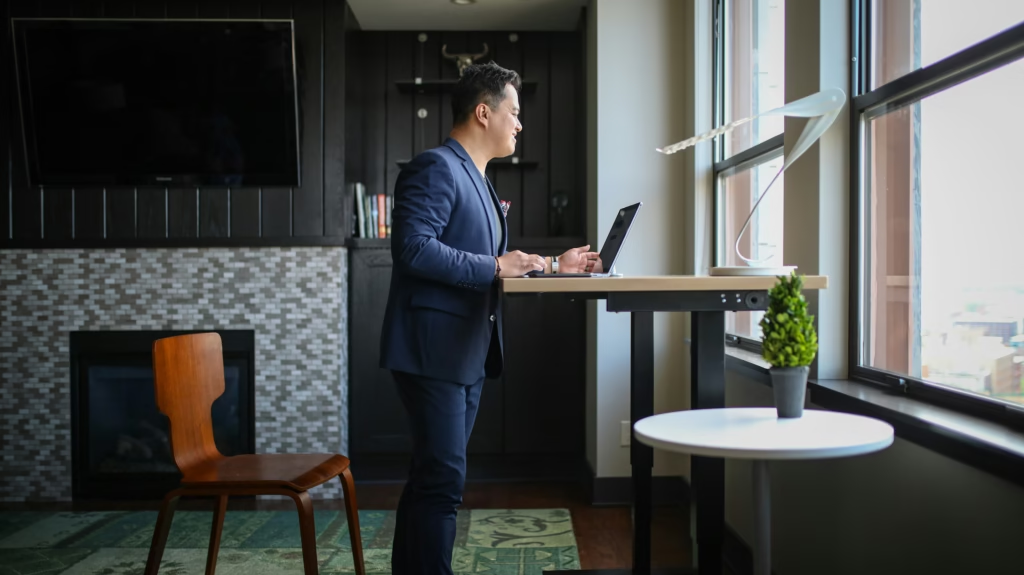
I spent three frustrating weekends hunched over scattered wood pieces, realizing I had completely underestimated the complexity of ergonomic design. What I learned from building my standing desk taught me more about productivity, health, and workspace psychology than any online article ever could. My amateur carpentry adventure revealed critical insights about height calculations, material choices, and workflow optimization that transformed not just my workspace, but my entire approach to remote work.
For professionals, students, and remote workers considering a DIY approach, these hard-earned lessons could save you time, money, and potentially serious back pain.
Why My First Attempt Failed
My initial excitement quickly turned to frustration when I realized my “simple” weekend project would stretch into weeks. I had measured my elbow height while wearing shoes, forgot to account for keyboard thickness, and chose materials that looked good but wobbled under pressure.
This failure taught me the most important lesson: ergonomics isn’t optional, it’s the foundation of productive workspace design.
Standing Desks: What Nobody Tells You
Optimizing a standing desk goes far beyond following YouTube tutorials. Here’s what I wish I’d known:
Critical Measurements:
- Standing elbow height (barefoot) minus 2 inches
- Monitor eye level when standing naturally
- Keyboard slope angle (negative tilt preferred)
- Footrest positioning for comfort transitions
Material Reality Check:
- Solid wood costs 3x more than expected
- Laminate surfaces show fingerprints constantly
- Metal legs provide better stability than wood
- Cable management requires planning from day one
The Cornell University ergonomics checklist became my bible after my initial failure, providing scientific backing for proper workspace setup.
Ergonomic Mistakes to Avoid
Ergonomic mistakes to avoid became painfully obvious during my first week of use. My personal desk building experience included several costly errors:
Height Miscalculations: I measured wrong and built too high. Raising my arms continuously caused shoulder fatigue within days. The fix required cutting down the entire frame—a 6-hour mistake that taught me to measure twice, cut once.
Monitor Positioning Errors: Placing monitors too low forced me to crane my neck downward. The ideal position keeps the top of your screen at or slightly below eye level when standing comfortably.
Insufficient Surface Space: I focused on height adjustability but forgot about depth. A shallow desk forces you to reach for your mouse and keyboard, creating arm strain.
Home Office Setup Tips: Beyond the Desk
Home office setup tips emerged from observing how my workspace affected my daily routine. Building my desk revealed interconnected elements I hadn’t considered:
Lighting Considerations:
- Natural light should come from the side, not behind your monitor
- Overhead lighting creates screen glare when standing
- Task lighting becomes more important at standing height
Flooring Impact:
- Hard surfaces cause foot fatigue quickly
- Anti-fatigue mats are essential, not optional
- Carpet provides cushioning but makes chair transitions difficult
Storage Accessibility: Standing changes how you reach for items. Drawers and shelves need repositioning to maintain easy access without bending or stretching.
Standing Desk Insights from Real Use
Standing desk productivity insights surprised me most. The ongoing Reddit discussion about sit-stand desk effectiveness reflects my experience: it’s not a magic productivity bullet, but a valuable tool when used correctly.
Unexpected Productivity Boosts:
- Video calls feel more engaging when standing
- Brainstorming sessions produce better ideas
- Phone calls become natural walking meetings
- Energy levels stay more consistent throughout the day
Challenges That Required Adaptation:
- Fine detail work still requires sitting
- Long coding sessions need position variety
- Transition timing affects flow state maintenance
The Final Build: What Actually Works
After multiple iterations, my final design prioritized:
Essential Features:
- Electric height adjustment (manual cranks get ignored)
- Memory presets for instant position changes
- Minimum 30-inch depth for proper arm positioning
- Integrated cable management system
- Sturdy construction that doesn’t wobble during typing
Daily Usage Patterns:
- Morning startup: 30 minutes standing
- Deep work sessions: primarily sitting
- Meetings and calls: standing preferred
- Afternoon energy dip: standing helps reset focus
The key insight: alternating positions throughout the day, not committing to standing-only work.
Lessons for Remote Workers and Students
Building taught me that workspace design dramatically impacts work quality. Students cramming for exams and professionals in back-to-back video calls both benefit from position flexibility that reduces physical stress.
The construction process itself improved my problem-solving skills and gave me deep appreciation for proper tool selection—skills that transfer directly to project management and systematic thinking in professional contexts.
What I Use Now
After learning from my DIY mistakes, I upgraded to this electric adjustable standing desk that incorporates all the lessons from my building experience with professional engineering and reliability.
Related Reads from Optiwire:
- Looking for something smaller? Check out our guide to the best compact standing desks of 2025.
- If you’re setting up your space on a budget, don’t miss our picks for the best standing desks for a home office under $300.
- And to compare your options, read our breakdown of adjustable desk converters vs. standing desks.