A Guide to Quiet Mechanical Keyboards
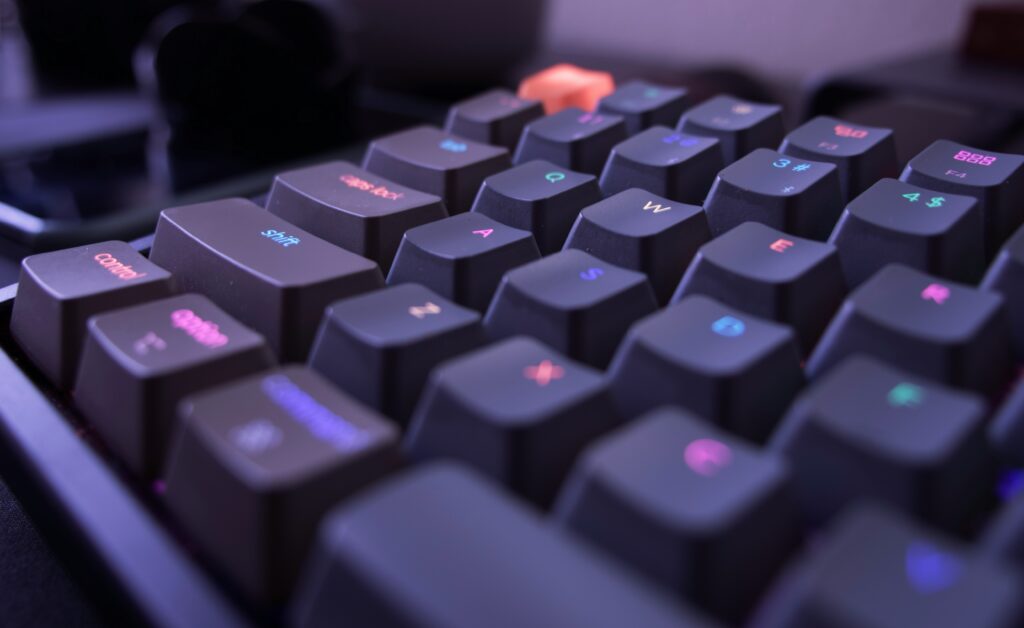
This A Guide to Quiet Mechanical Keyboards will help you find the perfect balance between typing feel and noise levels for your workspace. Quiet mechanical keyboards use special switch designs and dampening materials to reduce the clicking sounds while maintaining the tactile feedback that makes mechanical keyboards so popular. The best options combine silent switches, foam dampening, and solid construction to create keyboards that won’t disturb coworkers or roommates.
After testing dozens of keyboards in shared offices and home setups, I’ve learned that “quiet” doesn’t mean “mushy.” The right quiet mechanical keyboard still gives you that satisfying typing experience without the noise complaints from everyone around you.
Understanding Your Quietest Options
Silent mechanical switches are the heart of any quiet keyboard setup. These switches use rubber dampeners or soft landing pads to eliminate the harsh bottoming-out sound that makes regular mechanical keyboards so noisy. The most popular quiet switch types include Cherry MX Silent Red, Gateron Silent Brown, and Kailh Box Silent switches.
Linear silent switches like Silent Reds provide smooth keystrokes without tactile bumps, making them incredibly quiet for fast typing. Tactile silent switches like Silent Browns give you a gentle bump to indicate key activation while still maintaining low noise levels. Both options are dramatically quieter than their standard counterparts.
Professional keyboard reviewers at RTINGS consistently rate silent switches as 15-20 decibels quieter than standard mechanical switches, which makes a huge difference in shared workspaces. The difference between a regular mechanical keyboard and a silent one can mean the difference between getting complaints and getting compliments on your setup.
Affordable Options That Don’t Sacrifice Quality
Finding a budget quiet mechanical keyboard doesn’t mean settling for poor build quality or mushy switches. Many manufacturers now offer excellent quiet keyboards under $100 that rival more expensive options in both feel and noise reduction.
Look for keyboards that specifically mention “silent” or “quiet” switches rather than just “low-profile” keys, which aren’t necessarily quieter. Features like foam dampening, double-shot keycaps, and solid aluminum or plastic construction help reduce ping and hollow sounds that make cheap keyboards annoying to use.
The Redragon K668 Pollux exemplifies this perfectly – it offers hot-swappable silent switches, sound-dampening foam, and premium build quality at a fraction of the cost of mainstream brands. It’s the kind of keyboard that makes you wonder why anyone pays triple the price for similar features.
Office-Friendly Professional Features
Office-friendly keyboards need to balance professional appearance with practical noise reduction. Avoid keyboards with flashy RGB lighting or gaming aesthetics that might look unprofessional in conservative office environments. Instead, look for clean, minimalist designs with subtle or no backlighting.
Consider keyboards with dedicated function keys for office tasks like volume control, email shortcuts, and presentation modes. These features make you more productive while the quiet switches keep you from disturbing conference calls or focused coworkers.
Wireless options can reduce desk clutter and give you flexibility in positioning, but make sure the battery life is adequate for your work schedule. Community discussions on Reddit often highlight that office workers prefer keyboards with at least 6-month battery life to avoid mid-presentation battery deaths.
Best Affordable Keyboard Features
The best affordable work keyboards prioritize typing comfort and durability over flashy features. Look for keyboards with standard layouts that don’t require learning new key positions – your muscle memory from regular keyboards should transfer immediately.
Key features that provide the best value include:
- Hot-swappable switches for easy customization and repairs
- USB-C connectivity for universal compatibility
- Detachable cables for easy storage and replacement
- Standard keycap sizes for future upgrades
Avoid keyboards with proprietary software requirements for basic functions. The best work keyboards should work perfectly right out of the box on any operating system. Tom’s Hardware forum users consistently recommend keyboards that offer full functionality without installing bloatware or manufacturer software.
Optimizing Your Workspace for Productivity
Your quiet typing setup extends beyond just the keyboard itself. Use a desk mat or keyboard pad to dampen vibrations that transfer through your desk to the floor or neighboring workspaces. These simple accessories can reduce noise transmission by another 5-10 decibels.
Position your keyboard on a stable surface that doesn’t amplify vibrations. Glass desks and hollow tables can act like amplifiers, making even quiet keyboards sound louder. If you’re stuck with a resonant desk, consider adding mass-loaded vinyl underneath or switching to a keyboard tray that isolates vibrations.
Proper typing technique also affects noise levels. Light, deliberate keystrokes are quieter than heavy-handed pounding, and they’re better for your hands in the long run. Practice floating your hands above the keys rather than resting your palms, which helps you type with lighter pressure and better accuracy.
Finding Quality Options on Sale
Smart shopping for mechanical keyboard deals means knowing when and where to look for genuine discounts. Major sales events like Black Friday, back-to-school season, and end-of-fiscal-year clearances often feature significant discounts on quality keyboards.
Watch for older model clearances when manufacturers release new versions. Last year’s model often provides 90% of the features at 60% of the price, especially for established features like silent switches that don’t change much between generations.
Subscribe to deal aggregation sites and manufacturer newsletters to catch flash sales and limited-time offers. Many of the best keyboard deals are time-limited and sell out quickly, so having alerts set up can save you significant money on premium quiet keyboards.
Frequently Asked Questions
High-quality silent mechanical keyboards are typically quieter than most membrane keyboards. Cheap membrane keyboards can be quite noisy due to bottoming out on hard surfaces, while good silent mechanical keyboards eliminate this noise entirely.
Silent switches feel very similar to their regular counterparts, just without the sharp noise. The tactile bump and actuation force remain nearly identical – you’re mainly losing the click sound, not the typing feel.
Yes, you can add foam dampening, switch to quieter keycaps, or replace switches if your keyboard supports hot-swapping. However, buying a keyboard designed for quiet operation is usually more cost-effective.
Modern wireless mechanical keyboards have negligible input lag (1-2ms) that won’t affect typing or even gaming performance. The convenience usually outweighs any theoretical performance difference.
Where to Buy
Ready to upgrade to silent productivity? The Redragon K668 Pollux offers exceptional value with its hot-swappable silent switches and professional build quality, perfect for creating a peaceful and productive workspace.
Related Reads from Optiwire:
- For office setups, explore our top picks in the best mechanical keyboards for office use.
- Wondering about comfort? Find out if ergonomic keyboards really make a difference.
- And for a firsthand perspective, see why I switched to a mechanical keyboard for study sessions.